
Dashboard Reporting
Stay in the Know
Real-time dashboards and reports give you clear visibility into assets, tickets, and trends.
Purpose
Improve Decision Making
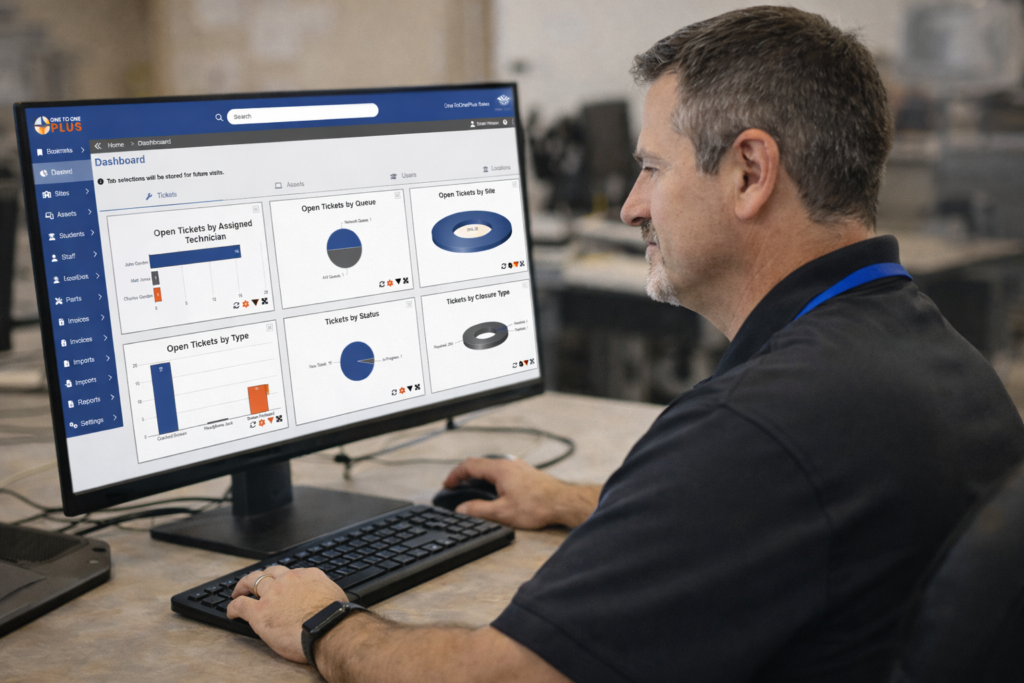
Dashboards, manage screens, and reporting options provide you with a clear, reliable view of what’s happening across your district. By bringing together asset data, help desk activity, and trends in one place, they support better day-to-day and long-term decisions.
Overview
Make Your Data Work for You
Key Dashboard and Reporting Capabilities
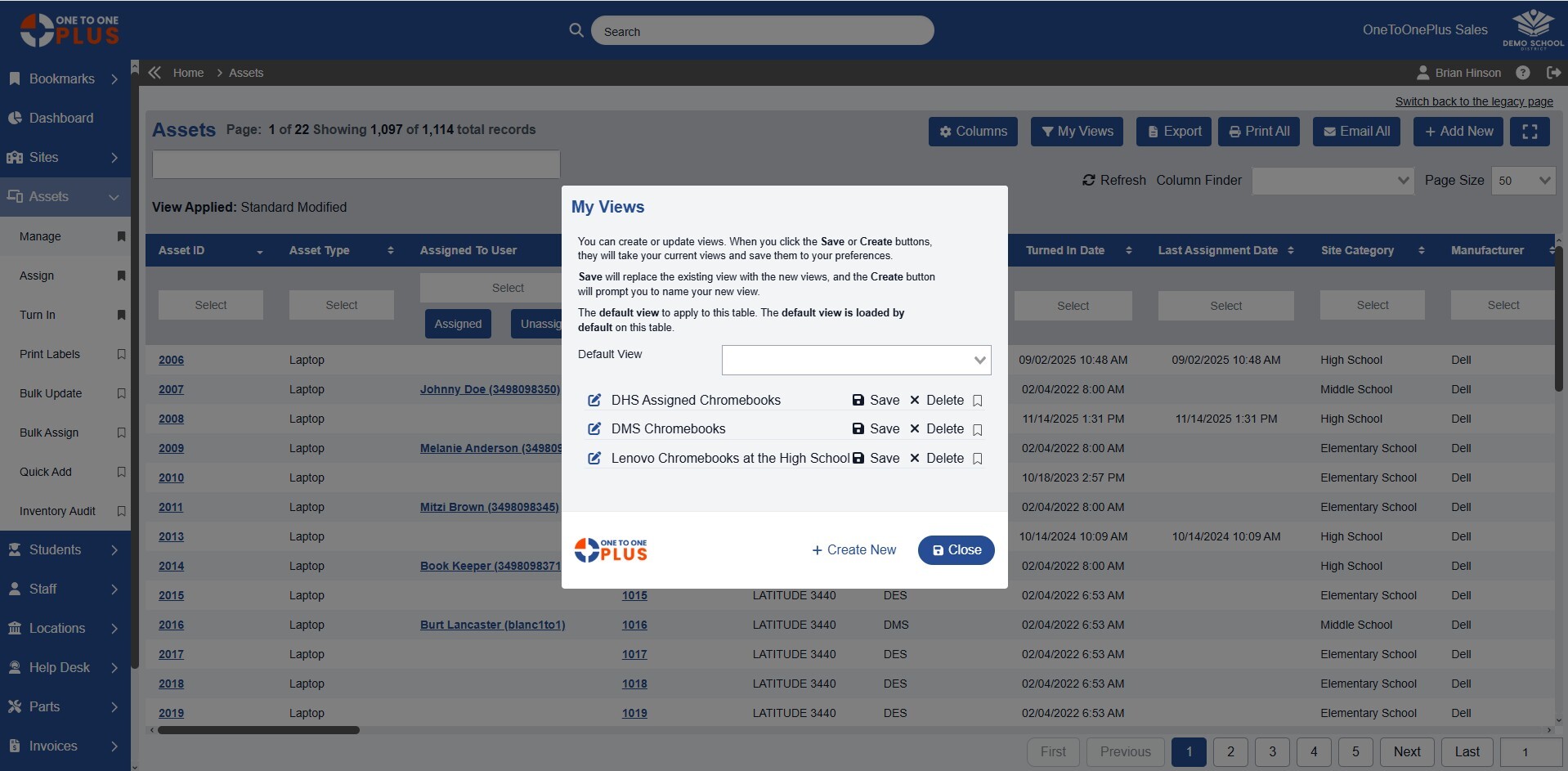
Create and Save Custom Views
- Apply filters to columns to get the data you need
- Arrange columns in the order that works for you
- Save frequently used views for quick access
- Review critical data without running reports
- Export view data for data sharing and analysis
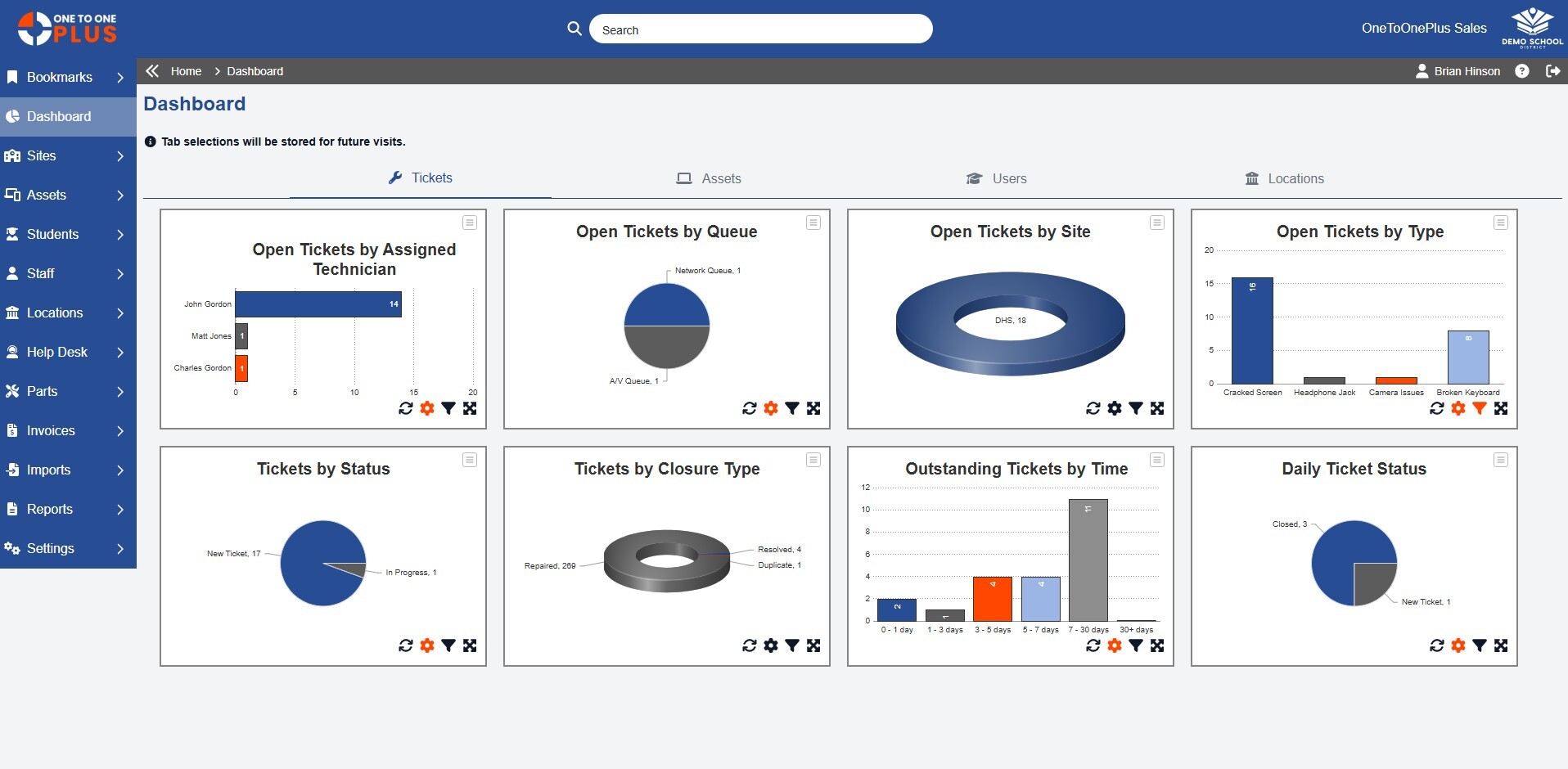
Monitor Key Metrics at a Glance
- Track key metrics across assets, tickets, users, and locations
- Visualize trends with charts and graphs
- Monitor activity in real time to spot issues early
- Compare performance across schools, departments or technicians
- Review high-level insights without running manual reports
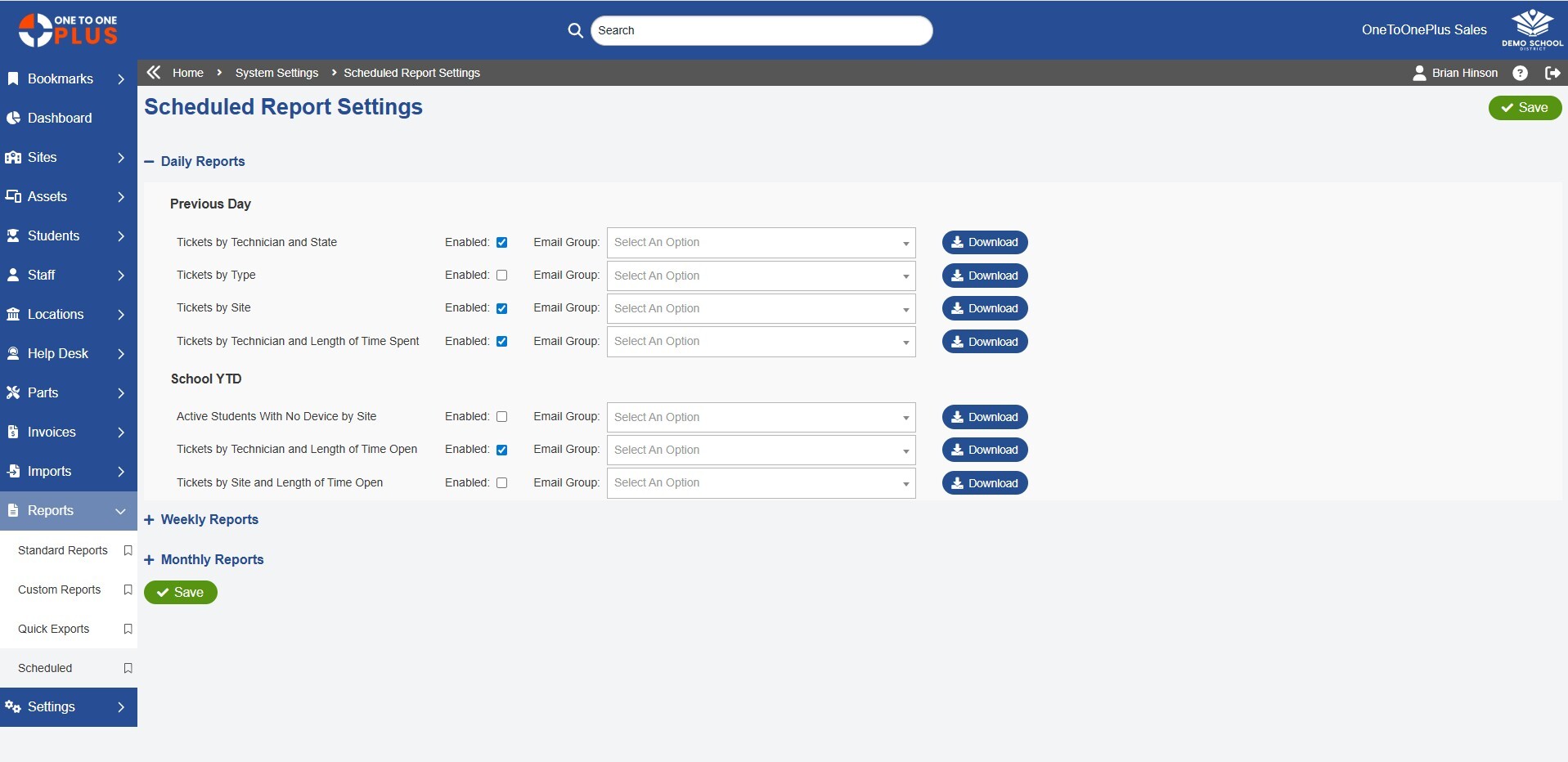
Automate Recurring Report Delivery
- Automate report delivery on daily, weekly or monthly schedules
- Send reports directly to stakeholders via email
- Select recipients for specific reports
- Reduce manual reporting tasks for your team
- Ensure leadership always has up-to-date information
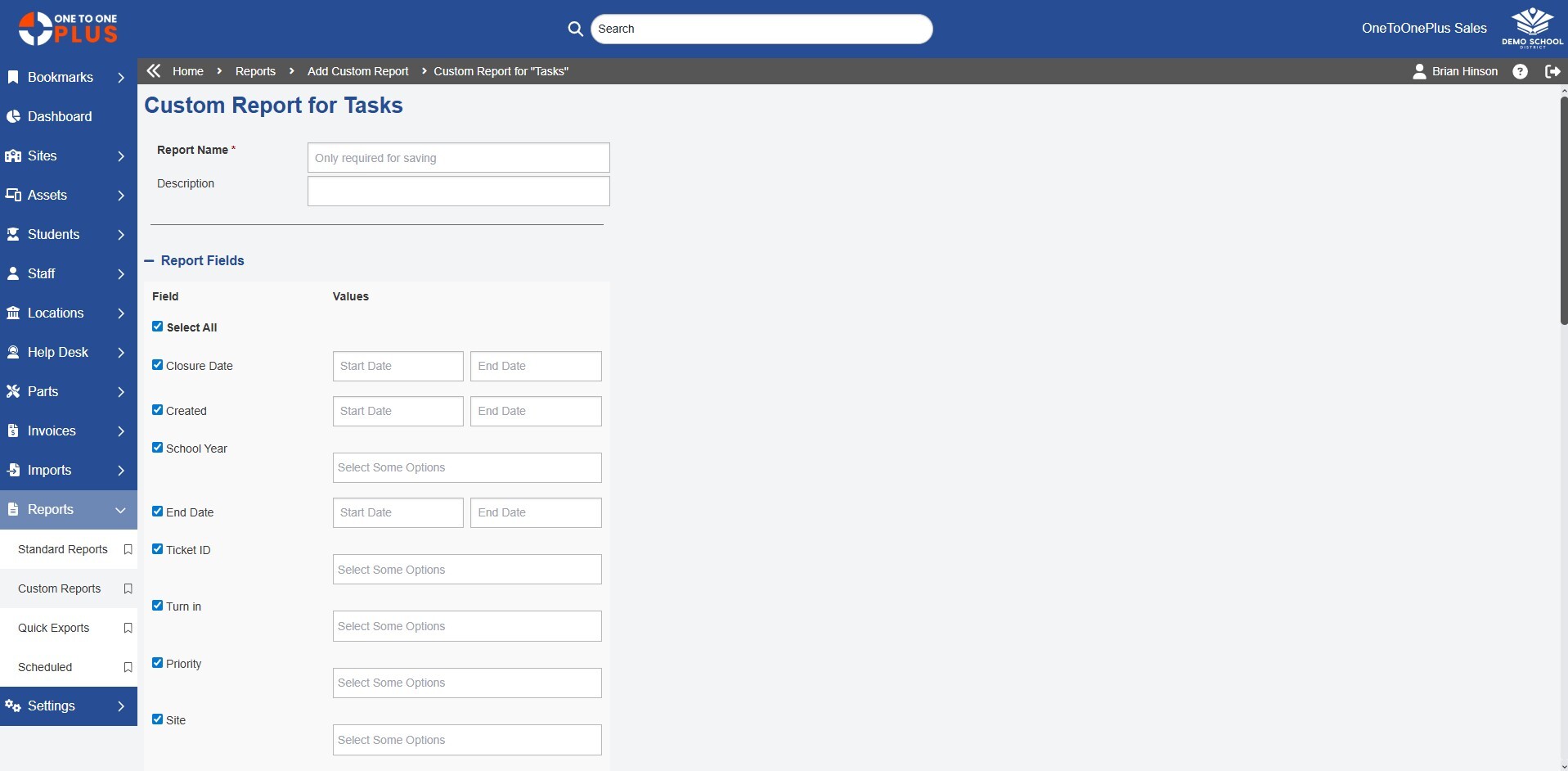
Build Reports Tailored for Your Needs
- Build reports using predefined or custom data sets
- Group and sort data to highlight key insights
- Apply filters to focus on specific schools, devices, or timeframes
- Save specific reports for quick access
- Export report data to CSV or Excel for sharing or analysis
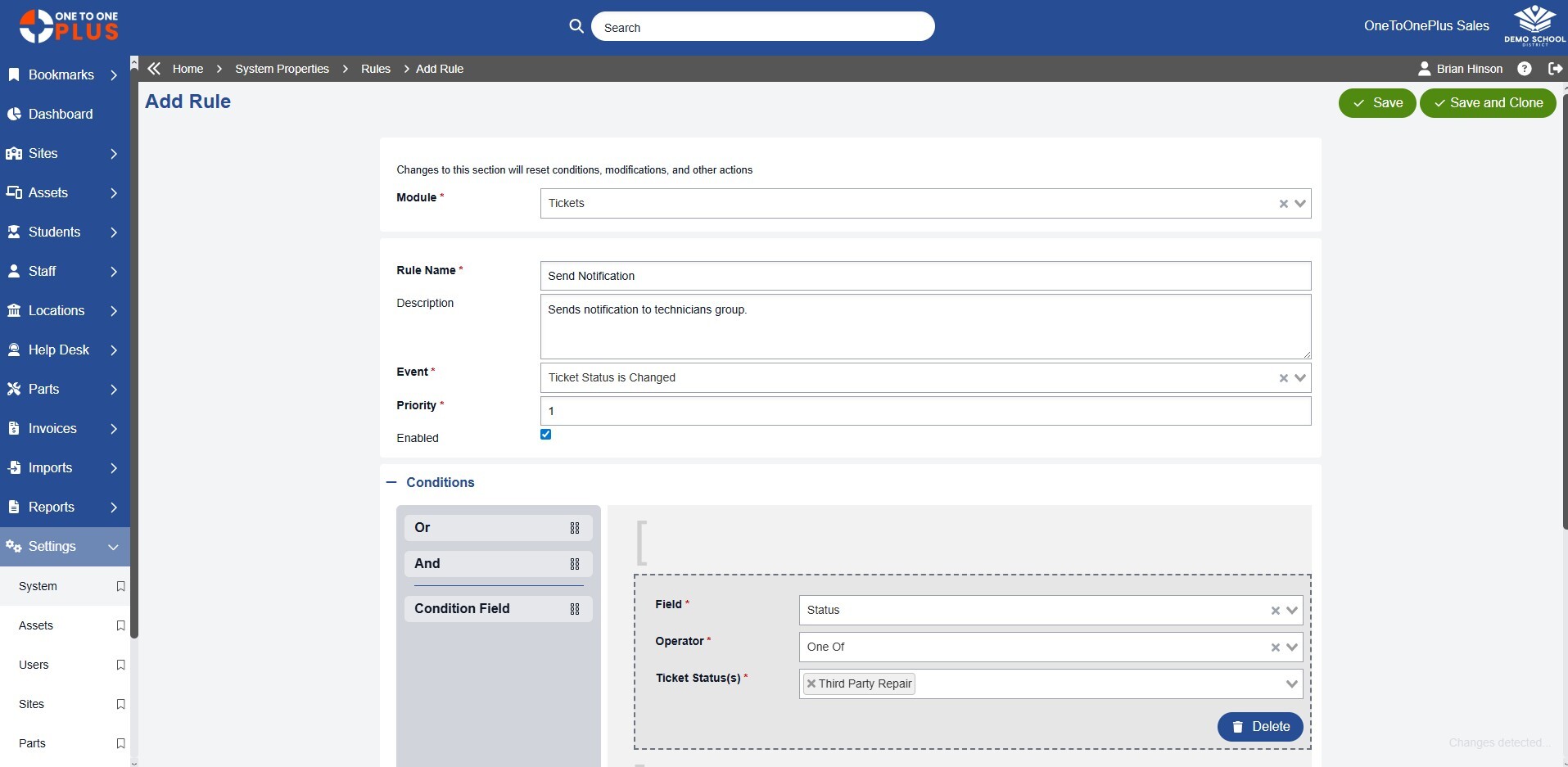
Control Alerts and Updates
- Configure alerts based on activity, status changes, or thresholds
- Control which events trigger notifications
- Assign notifications to specific roles or users
- Reduce noise by limiting unnecessary alerts
- Stay informed without constantly checking the system
Manage
Get the Data You Need
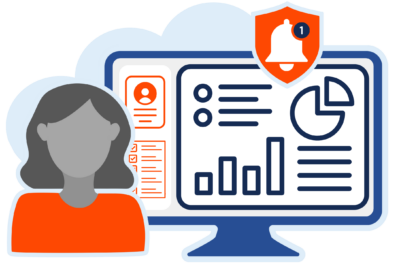
The Manage area lets you set up and access custom views, define default layouts, and control how reports and notifications are delivered. Keep data organized, ensure the right people see the right information, and manage reporting without added complexity.
View
See What Matters
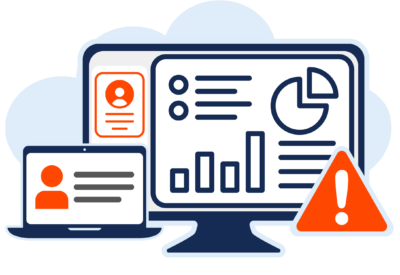
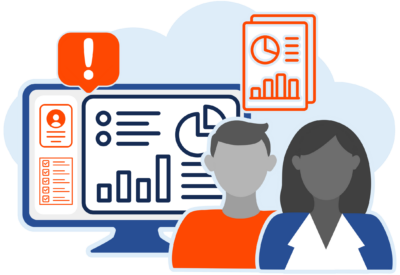
The dashboard brings key metrics and activity into clear, at-a-glance dashboards. Monitor trends, spot issues early, and stay on top of performance without digging through reports, so you always know what’s happening across your district.
Customize
Configured Your Way
Build reports, dashboards, and views that reflect how you and your team actually work. Customize layouts, filters, and fields to provide the most relevant information, making it easier to analyze data, share insights, and take action.
Solution
Everything Works Together
One to One Plus combines essential K-12 technology management with advanced tools such as invoicing, parts tracking, and e-signatures.


Reviews
Our Customers Say It Best
“They are always adding features as well so it feels fresh and modern.”

Kyle Arnett
Director of Technology
Taylor County School District
“The wide variety of features including invoicing, parts inventory, help desk and asset management allowed us to consolidate our data into one easy to use space.”

Ed Kobus
Assistant Dir of Technology
Parkland School District
“I find the dashboard layout very intuitive and straightforward.”
Fredrick Hunter
CTO
Fort Wayne Comm. Schools
“One to One Plus streamlined the process of tracking and checking in and out computers to students and teachers.”

Daniel Newman
Database Analyst
Hamblen County BOE
“The customized format is straightforward and easy to use.”

Kathy Fetch
Tech Admin Assistant
Sweetwater County SD 2
Your Simpler System Starts Here
Get a firsthand look at the platform that helps K-12 districts save time, reduce costs, and work smarter.

Custom Demo
Let our team show you how the software can meet your district’s specific needs.

Quick Tour
Watch short, step-by-step tours to quickly understand how One to One Plus works.

Request Pricing
Let our team provide a quote customized specifically for your school system.