Dashboard Reporting

Stay in the Know

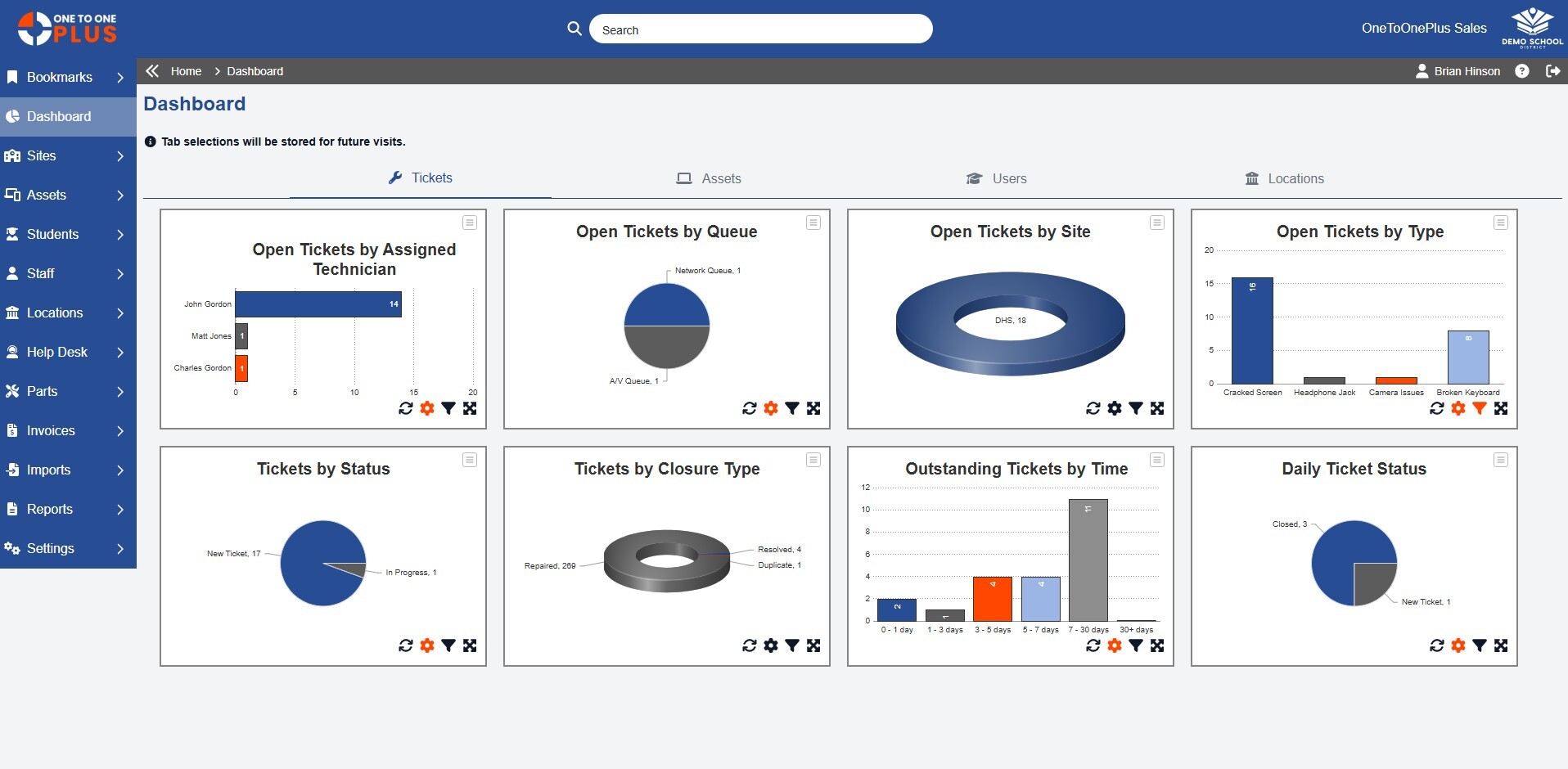
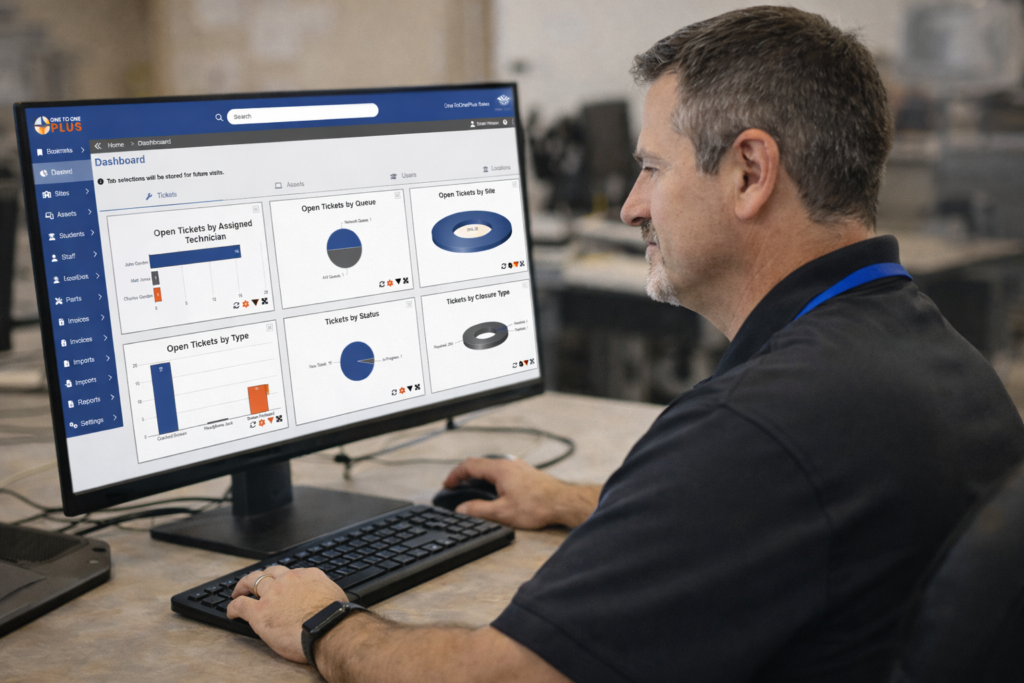
Real-time dashboards and reports give you clear visibility into assets, tickets, and trends.

Purpose

Improve Decision Making

Dashboards and reports deliver a clear view of asset data, help desk activity, and trends across your district.

Overview

Make Your Data Work for You

Key Asset Management Capabilities

Asset Management for Schools

Manage

Get the Data You Need

Manage views, layouts, reports, and notifications without added complexity.

Chromebook Management for Schools

View

See What Matters

Stay informed with at-a-glance dashboards that highlight key activity and trends.

K-12 Asset Management

Customize

Configured Your Way

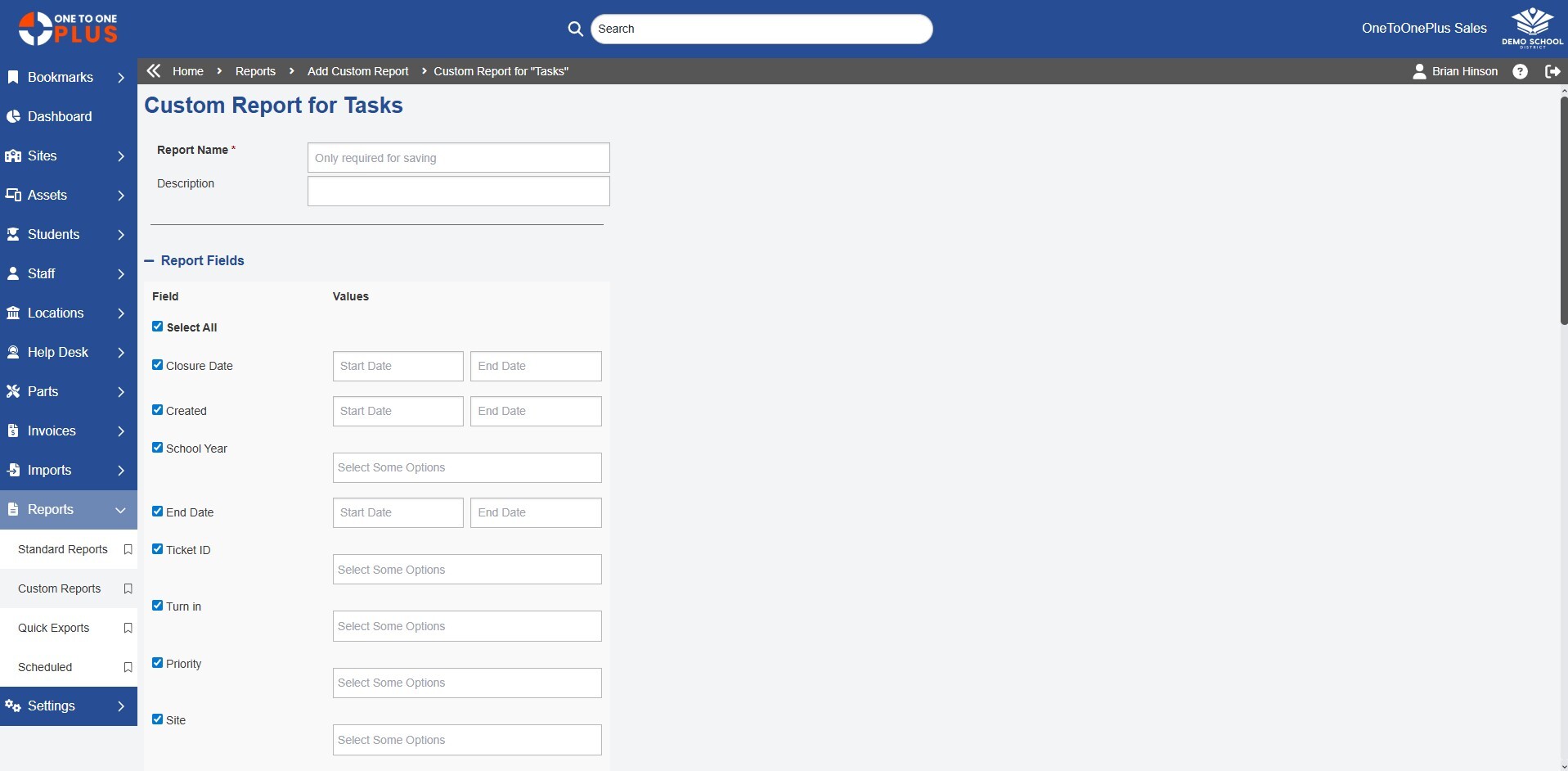
Build flexible reports and dashboards that deliver the insights that matter most.

Solution

Everything Works Together

One to One Plus combines essential K-12 technology management with advanced tools such as invoicing, parts tracking, and e-signatures.

laptop white 100x100

Asset Management

Import and manage all your assets
user.headset.white

Help Desk Ticketing

Simplify ticketing from open to close
user.white

Users and Locations

Bring people and places together
invoice.dollar.white

Invoice and Payments

Track charges and collect payments
mobile.phone.white

Mobile App Access

Access essential tools on the go

Reviews

Our Customers Say It Best

Your Simpler System Starts Here

Get a firsthand look at the platform that helps K-12 districts save time, reduce costs, and work smarter.
interview.users.orange2

Custom Demo

Let our team show you how the software can meet your district’s specific needs.
screen.play.orange

Quick Tour

Watch short, step-by-step tours to quickly understand how One to One Plus works.
invoice.dollar.orange

Request Pricing

Let our team provide a quote customized specifically for your school system.

Frequently Asked Questions

What reporting features does One to One Plus provide?

One to One Plus provides dashboards, custom views, reports, exports, charts, graphs, and notifications to help districts monitor assets, tickets, users, locations, and technology trends.

Can One to One Plus dashboards show real-time data?

Yes. One to One Plus dashboards give districts real-time visibility into key asset, ticket, user, and location data so teams can spot issues and make faster decisions.

Can reports be customized?

Yes. Districts can build reports using filters, groups, sorting, custom data sets, schools, devices, users, locations, timeframes, and other criteria.

Can users save custom views?

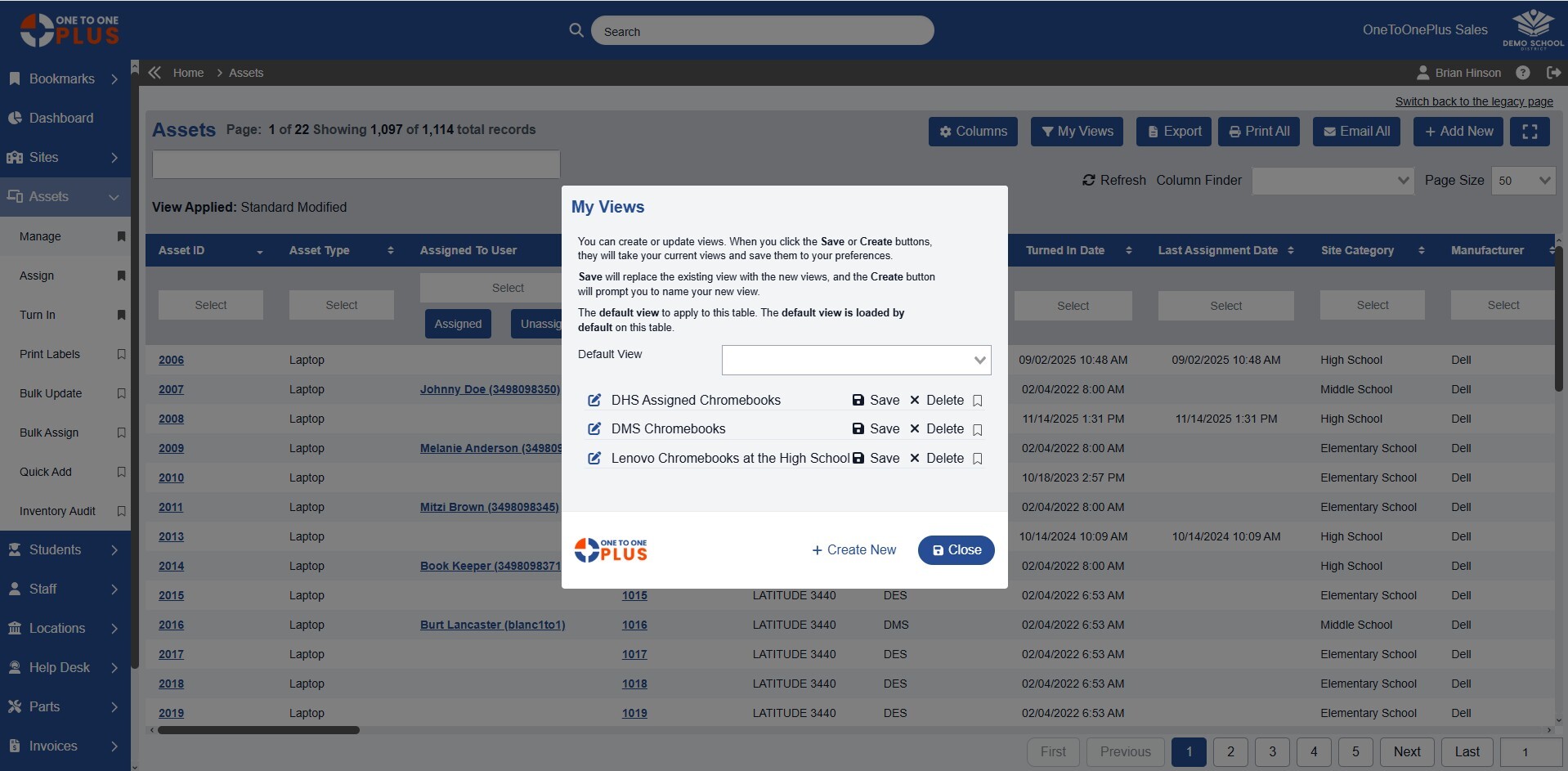
Yes. Users can create and save custom views by filtering data, arranging columns, and keeping frequently used information easy to access.

Can reports be scheduled automatically?

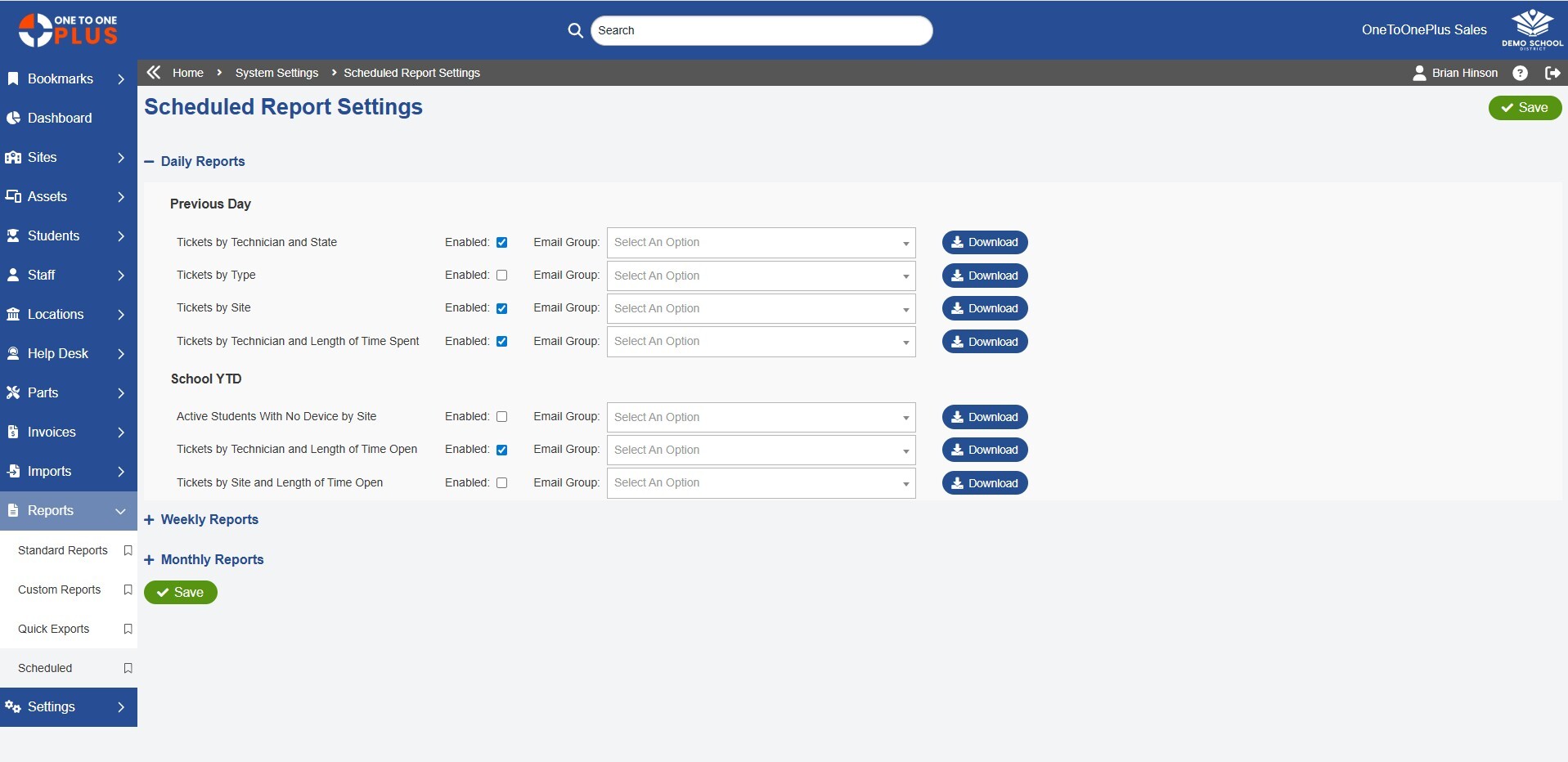
Yes. One to One Plus can automate recurring report delivery on daily, weekly, or monthly schedules and send reports to selected stakeholders by email.

Can reports be exported?

Yes. Report data and view data can be exported for audits, presentations, analysis, or sharing with district leaders.

How does reporting help school districts?

Reporting helps school districts make better decisions by giving technology teams clear visibility into inventory, ticket activity, device trends, staff workload, and operational performance.

Can One to One Plus send alerts or notifications?

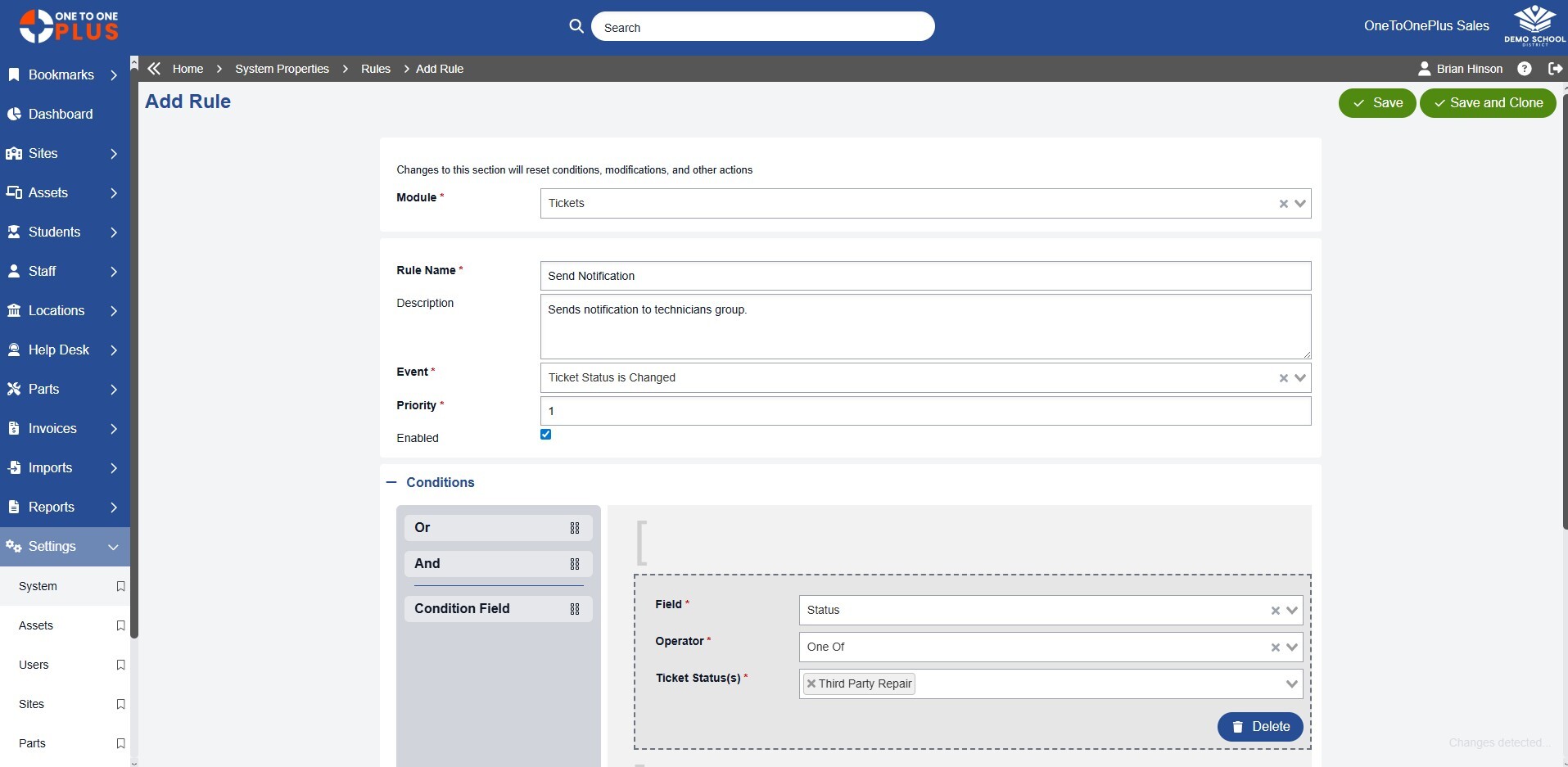
Yes. Districts can configure alerts and notifications based on activity, status changes, thresholds, roles, or users so the right people stay informed without unnecessary noise.