


Stay on Top of Your School’s Technology Management, K-12 chromebook management software, K-12 chromebook management software, K12 chromebook management software, chromebook management software for schools, K-12 chromebook management, k12 chromebook management, and technology asset management K-12 chromebook management software.
Asset Management
Simplify Device Management
Built for how schools actually operate, One to One Plus makes device assignments, tracking, and audits simple and seamless.
Our Solution
Asset Management Simplified
Whether you are managing 1,000 or 100,000 devices, One to One Plus is the tool your district needs to streamline and simplify your asset management processes.
Key Features
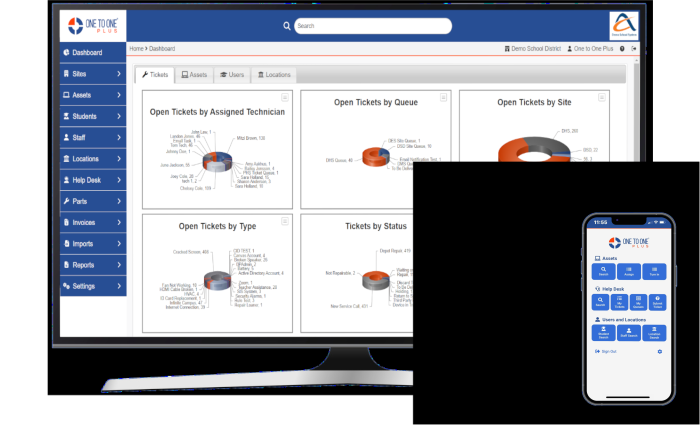
Manage All Your Assets in One System
Key Asset Management Capabilities
Automate Device Imports and Updates
- Integrate seamlessly with Google Admin, Microsoft Intune, Mosyle, Jamf, and others to automatically import and update device details.
- Configure custom field mappings from your MDM systems to the fields in One to One Plus for accurate, consistent data.
- Schedule recurring syncs so device information stays current and up to date without manual intervention.
- Update OUs in your MDM environment based on device assignments made in One to One Plus.
- Review device audit logs to see detailed information about imports, updates, and other changes over time.
Assign Devices in Seconds
- Assign devices to students, staff, or locations in seconds using barcode scanning.
- Enable touch-free assignments by importing user data directly from your MDM system.
- Include accessories including cases, chargers, and more during the assignment process.
- Print asset, student, staff, and location labels directly from the system to simplify deployments.
- Issue loaner devices from your spare inventory for quick, temporary replacements.

Take the Stress Out of Device Collection
- Collect devices and accessories — including chargers and cases — and automatically flag missing or damaged items.
- Generate damage invoices instantly from the device turn-in screen.
- Create help desk tickets on the spot for any issues identified during collection.
- Quickly identify students who have not returned devices by site, grade level, or other filters.
- Use bulk turn-in tools to streamline large-scale collection of devices.
Know What You Have and Where It Is
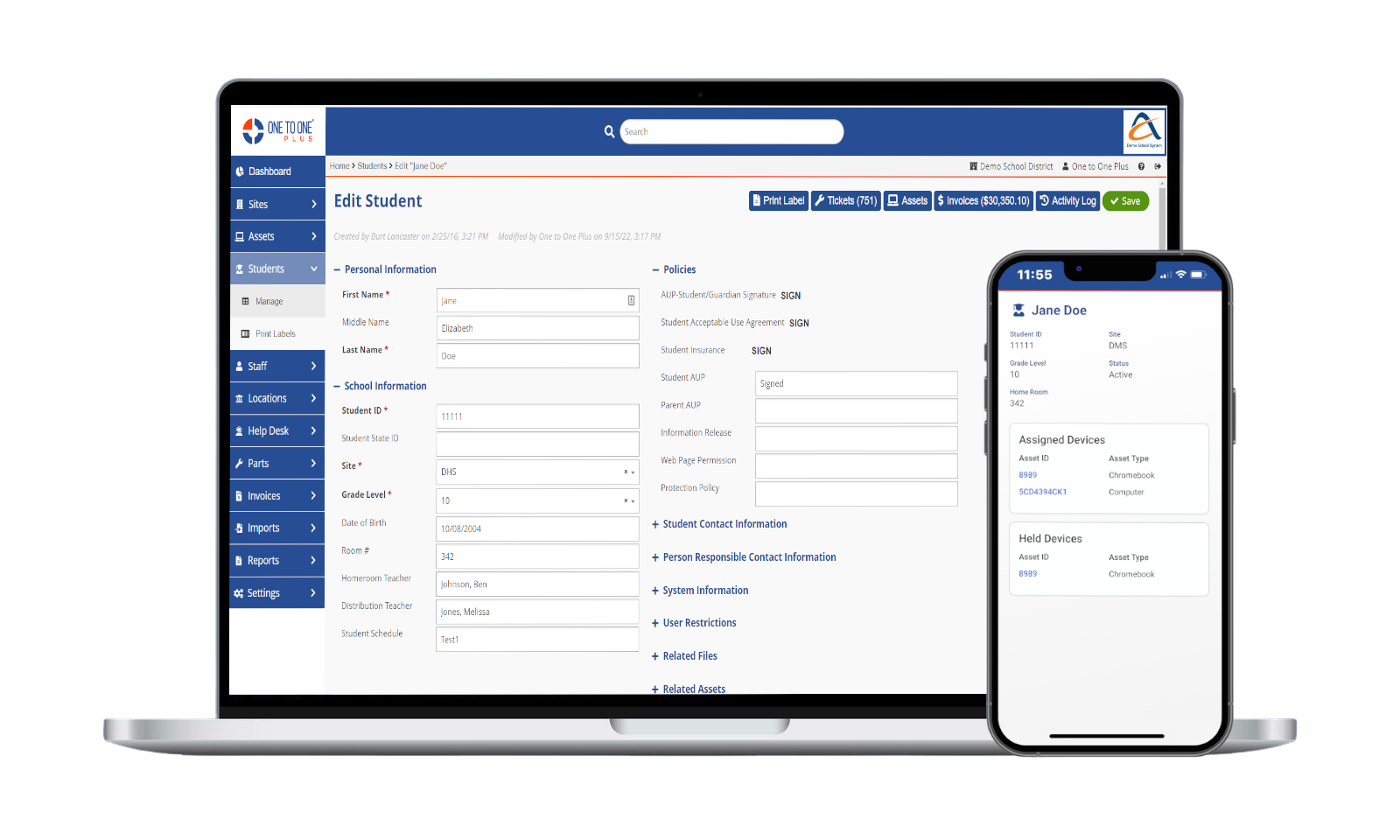
- View complete device details including categories, types, manufacturers, models, and more.
- See current assignment information for each device, whether assigned to a user or a location.
- Track purchasing and lifecycle data such as vendor, PO details, funding source, and anticipated replacement dates.
- Import key information from your MDM including warranty expiration, service end dates, last active date, last user, and other critical fields.
- Review full device history including past users, associated help desk tickets, invoices, and other important events.
Make Device Audits Simple and Reliable
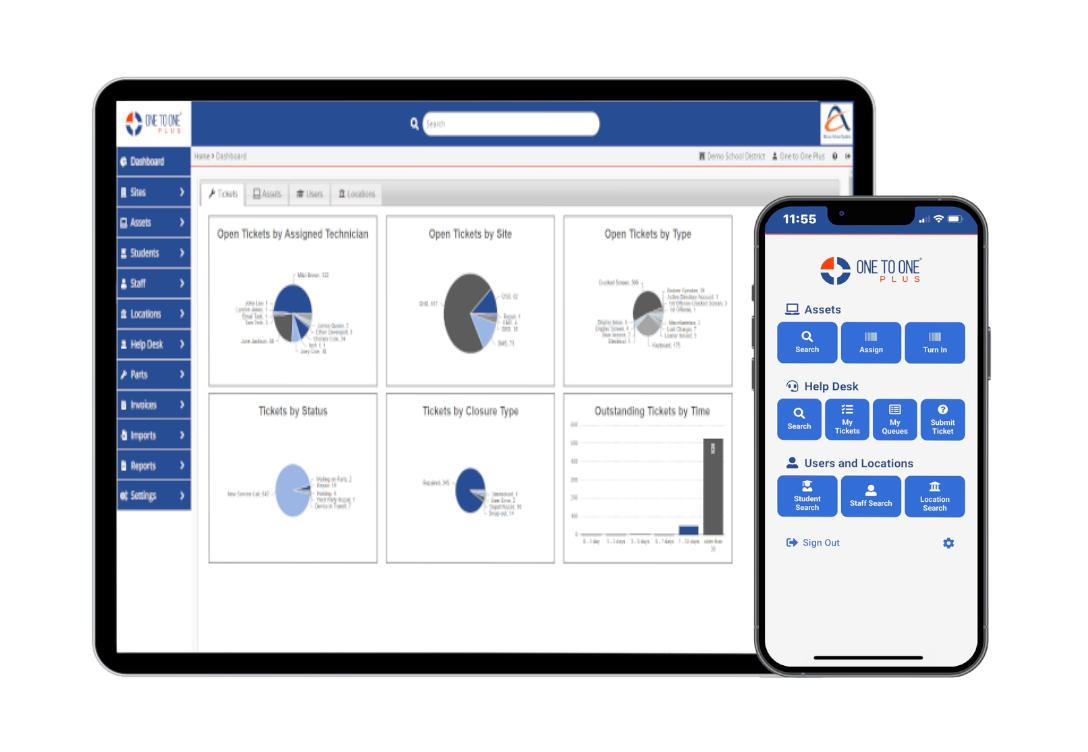
- Create audits for specific sites, device types, funding sources, and more to control what needs to be reviewed.
- Quickly mark devices as audited by scanning their asset tags, making the process fast and easy for staff.
- Spot devices in the wrong location instantly and update their assignments to keep records accurate.
- See exactly which assets are missing with clear, automated reporting that highlights discrepancies.
- Generate reconciliation sheets for teachers, media specialists, and others to support building-level audits.
Integrations
Sync With MDM Systems
Integrate with Google Admin, Intune, Mosyle, Jamf, and more to keep your device data automatically imported, updated, and in sync. Custom mappings, automated syncs, OU updates, and audit logs ensure accuracy and full visibility.
Deployment
Assign and Collect Devices
Assigning devices is fast using barcode scanning or touch-free MDM imports of users. During collection, the system flags generates tickets and invocies for damaged items while quickly identifying devices not returned.
Tracking
Track and Audit Assets
Track every device detail from assignment and purchasing data to warranty dates and detailed history. Our audit tools let you scan assets, spot errors, find missing items to keep your inventory clean and accurate.
Everything You Need in a Single Software
Learn how One to One Plus’ integrated system can benefit you and your team.

Help Desk
Streamline support and resolve issues faster.

Users and Locations
Connect people, places, and devices

Mobile App
Anytime, anywhere access.

Integrations
Connect to the systems you already use
Be More Efficient and Effective

Kerry Morgan
Chief Technology Officer, Kershaw County School District
“The mobile app has allowed us to go paperless and saved us a tremendous amount of time.”

Krista Gray
Media Specialist, Anderson School District Three
“This program is far superior to Follett Destiny for cataloging and inventorying technology in a school and district.”

Gary Lambert
Director of IT, Communications, and Security, Beekmantown Central School District
“One stop shopping for all our device tracking and management needs.”

Daniel Newman
Applications/Database Analyst, Hamblen County Board of Education
“I am receiving quick and very prompt support with any issues that I may have encountered. I have also noticed that there is a stream of improvements and development.”

Jason Paddock
Director of Instructional Technology, Spartanburg School District Two
“One to One Plus helped us unify our various inventory methods in one place. This allowed easy access to important information for our entire organization.”
Your Simpler System Starts Here
Get a firsthand look at the platform that helps K-12 districts save time, reduce costs, and work smarter.

Custom Demo
Let our team show you how the software can meet your districts specific needs.

Demo Videos
Browse our library of demo videos for a quick, self-paced look at the software.
